How Can I Print a Run Sheet or Journey for a Driver?
You can download a journey to PDF which provides a simplified view of the pickup and drop offs for passengers per journey.
To do this:
- Go to the journey overview screen (load the journey)
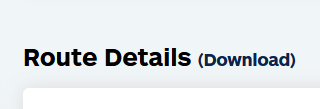
- In the middle, next to Route Details you will see (Download)
- Click this and it will download a PDF of the journey
- Note: The drivers can also do the same from the desktop version of the driver portal
Please Note:
We highly recommend using the Road XS driver portal over printing paper copies so that drivers are updated in real-time and you remain GDPR compliant. ~