DRT Route Unavailable: What to Do
When creating DRT journeys, it is possible to encounter a "Route Unavailable" message without an alternative time provided. This situation can be perplexing, particularly when there appears to be availability for the first pickup time.
Most likely, this occurs when booking a return journey, and Road XS calculates the feasibility of both the outbound and return routes.
If, for instance, the outbound route is feasible but the return route is not, the result will still be "route unavailable."
Solution
To address this issue, if you are certain about the availability of the outbound journey, consider changing the journey type and booking an In-Only journey and a separate Return-Only journey. This approach grants control over both the outbound and return pickup times.
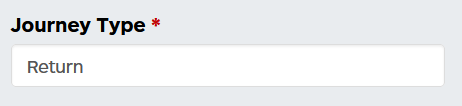
You can do this via the booking form under journey type:
This just means you have to book the In-Only and Return-Only separately, but often this will enable you to book a passenger on as you have more control over which leg of the journey is being booked. The Return journey function is just easier to complete because you only have to do it once vs twice.